WHY FOLX?

It's simple. It's modern. And it's so Mac style!

Friendly and easy interface will help you take the most of your downloads. Just click the link in your browser and Folx will start downloading for you. This download manager for Mac is not overloaded with tons of unnecessary features and can do everything you need in a very simple way.

And Folx is 2-in-1: you don't need one app for common downloads and other one to download torrents. Folx can do both perfectly.

Why IDM for Mac is better than downloading with your browser

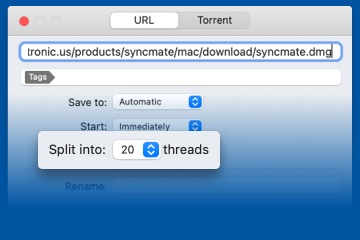
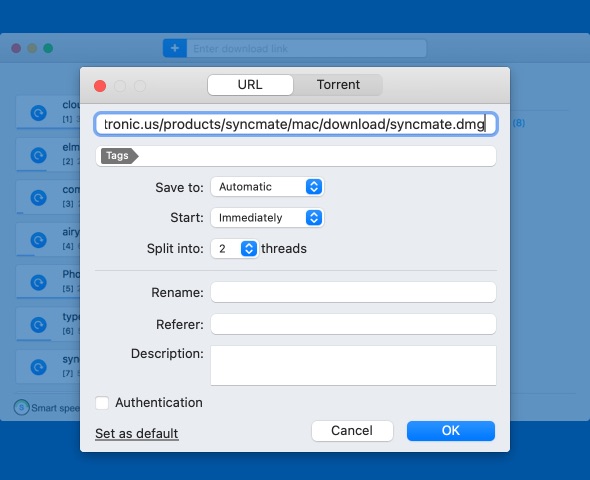
Folx can split the download in threads and thus is much faster. Moreover, you can adjust the download and upload speed. You can prioritize the downloads that are most important to you by just dragging them to the top of the queue. This great download manager Mac application also offers auto-resuming of your downloads in case you were offline, the tracker was down, etc.

Say bye to mess! Tag your downloads with download manager for Mac

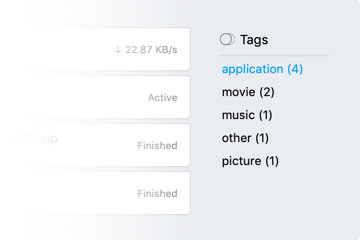
With lots of downloads it's sometimes next to impossible to find some file on the hard drive. By tagging your downloads you instruct Folx to save them in folders that correspond to tags. Unlimited number of tags can be assigned to one download and when you need to find the downloaded content, you even don't have to launch Folx - just look in your main downloads folder and follow the familiar tags structure. You can also set Folx to tag certain download tasks automatically.

Hey! It's actually FREE! You can download Folx right now

WHY WOULD YOU NEED PRO?

Fast downloads

Folx is an ultimate IDM for Mac. It can split the downloads in up to ten threads, which can significantly increase the download speed.

Built-in torrent search

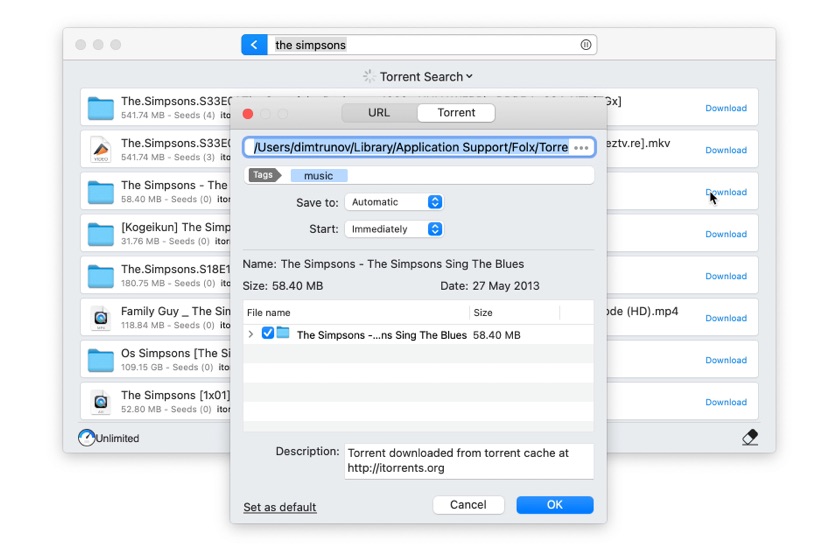
Also you don't have to visit each torrent tracker you heard of to find something, Folx PRO features built-in torrent search through the most popular torrent trackers of the world.

Downloads scheduler

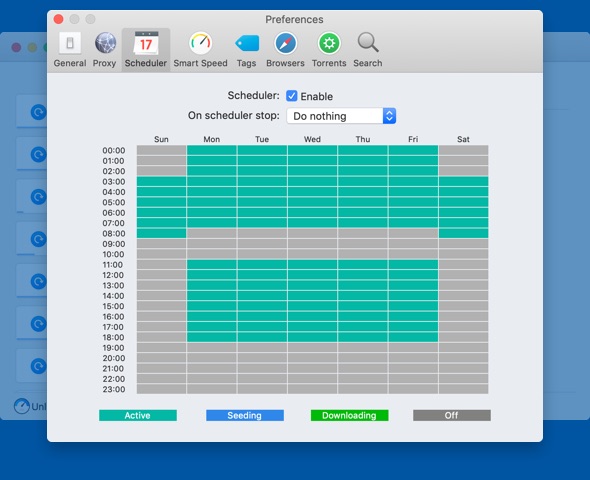
You can schedule your download tasks (torrents included) and define Folx exiting behavior when it finished downloading: whether system will shut down, switch to sleeping mode or just quit Folx.

Speed control

In PRO version you get access to "Smart speed control", which will limit the download and upload speed AUTOMATICALLY whenever you start using Internet more heavily.

Download from RSS

Folx allows downloading files attached to your RSS feeds. Just add an RSS feed to Folx and you can download all attachments from it, and Folx PRO will download the needed files automatically according to your preferences.

iTunes integration

Thanks to this feature all downloaded music and videos can automatically go to iTunes playlists named the same as the tag assigned to those downloads.

Ready for multiple extra features? Purchase Folx PRO now
new version
Folx 2.0 is here
with new bold features!
Upgrade now
View video here View screenshots here
Recommended browsers:
iCab

Build Info

File size:

16.61Mb

Latest build:

2.0.1030

Release date:

10th October, 2011

Build compiled:

24th April, 2013
Changelog (rss)
Live chat with tech support